
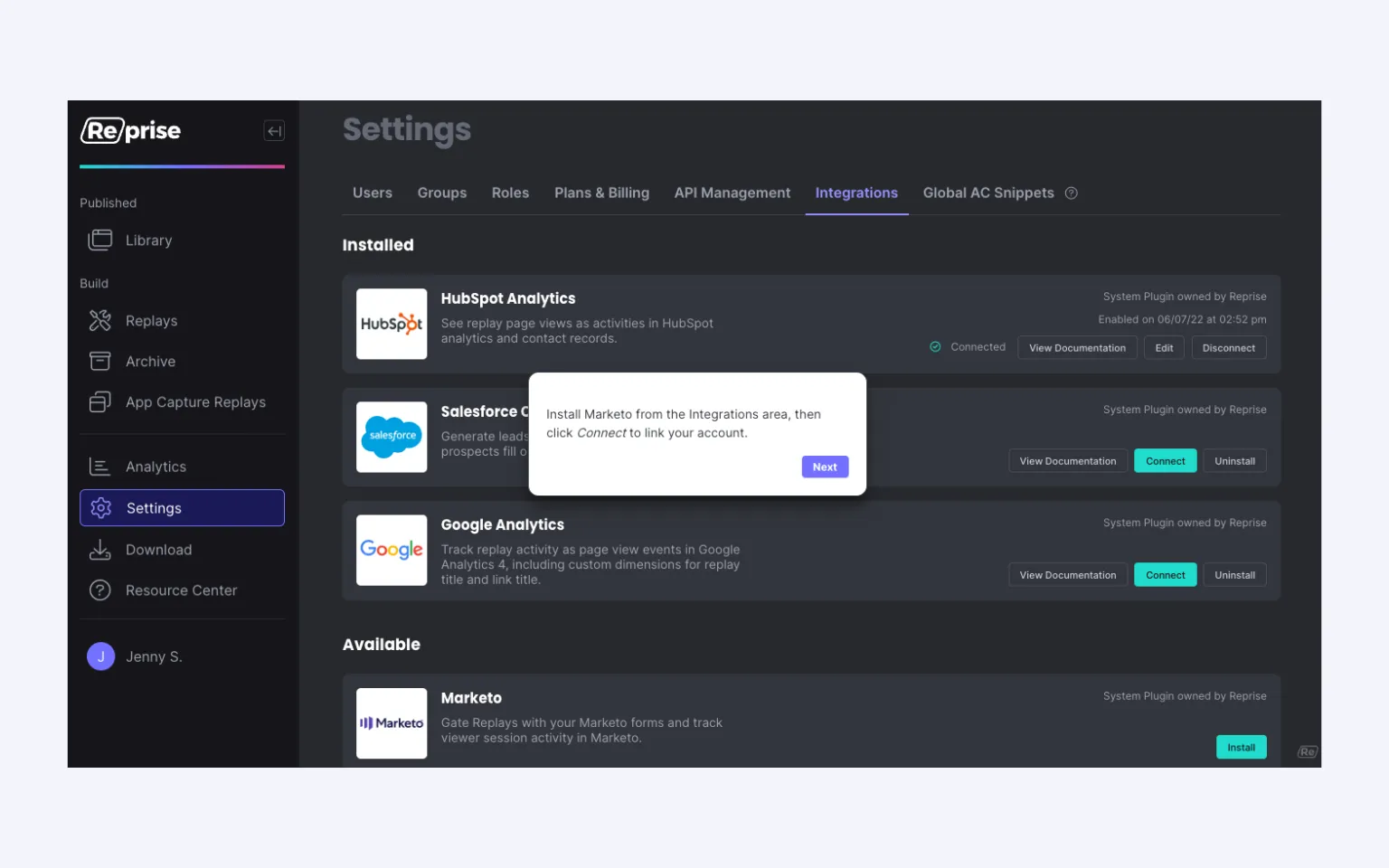
Gate your Replays with Marketo forms that automatically feed lead information into your Marketo instance. Score leads based on demo activity and trigger automation to generate more MQLs and PQLs.
Integrate analytics data with Salesforce to give your reps visibility into how prospects view and share guided demo leave-behinds. Discover members of the buying committee as your guided demos get shared and the data gets pushed to Salesforce.
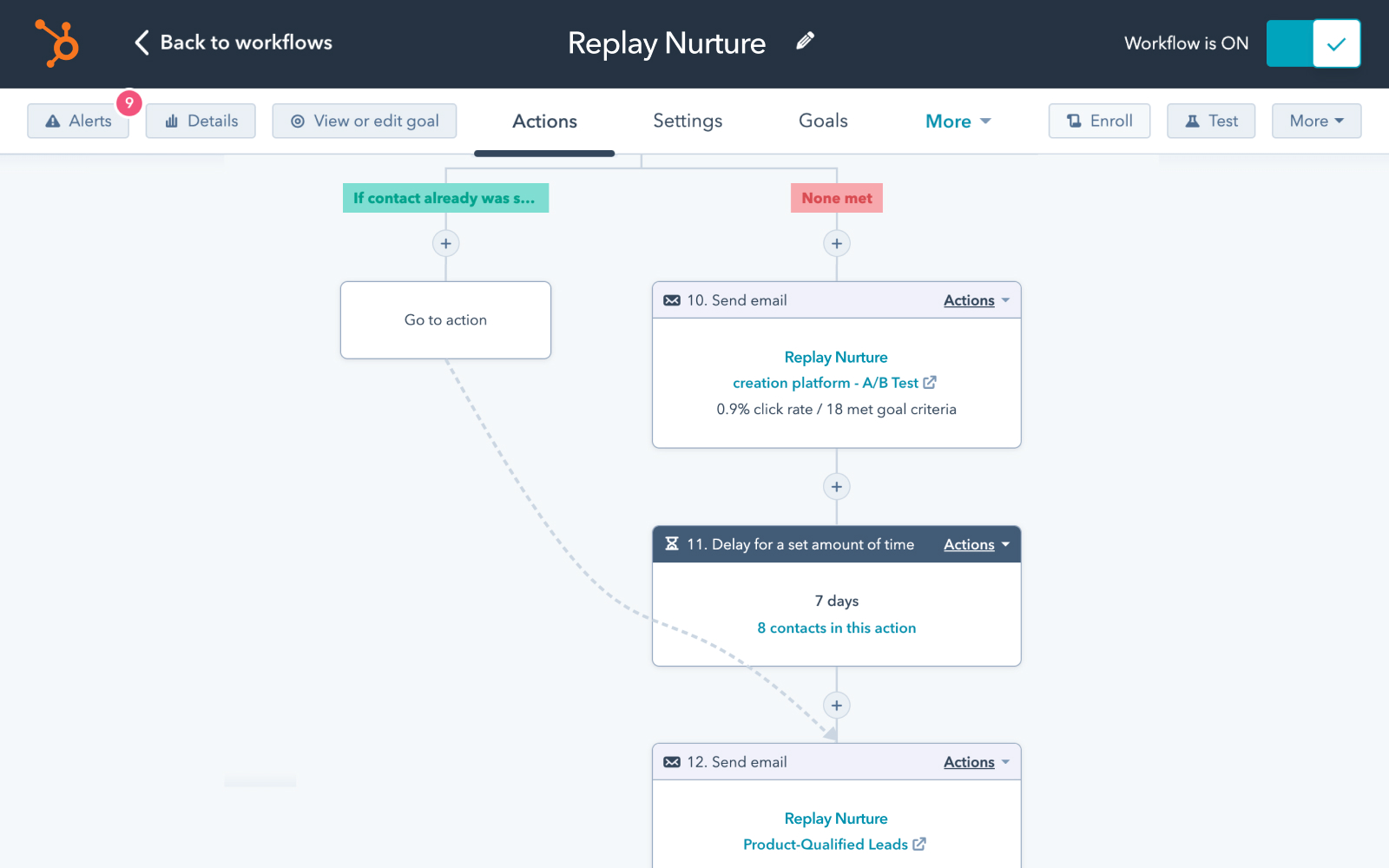
Gate your Replays with HubSpot forms to trigger workflows and nurture sequences based on demo engagement. Score leads from known user demo and page views to qualify MQLs faster.
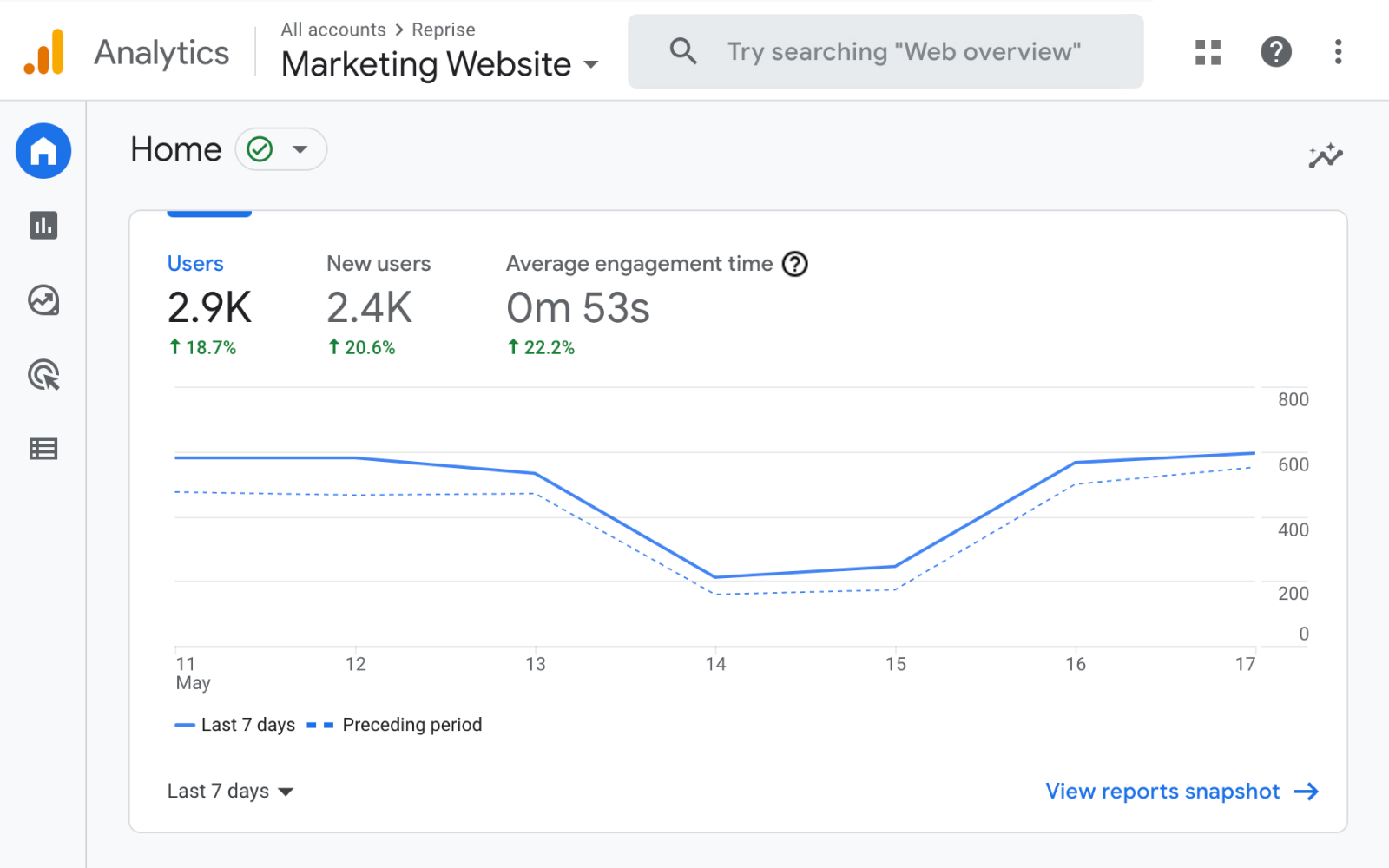
See Reprise data alongside your Google Analytics (GA) data with the GA integration. Determine which website guided demos drive desired website behavior and optimize accordingly.
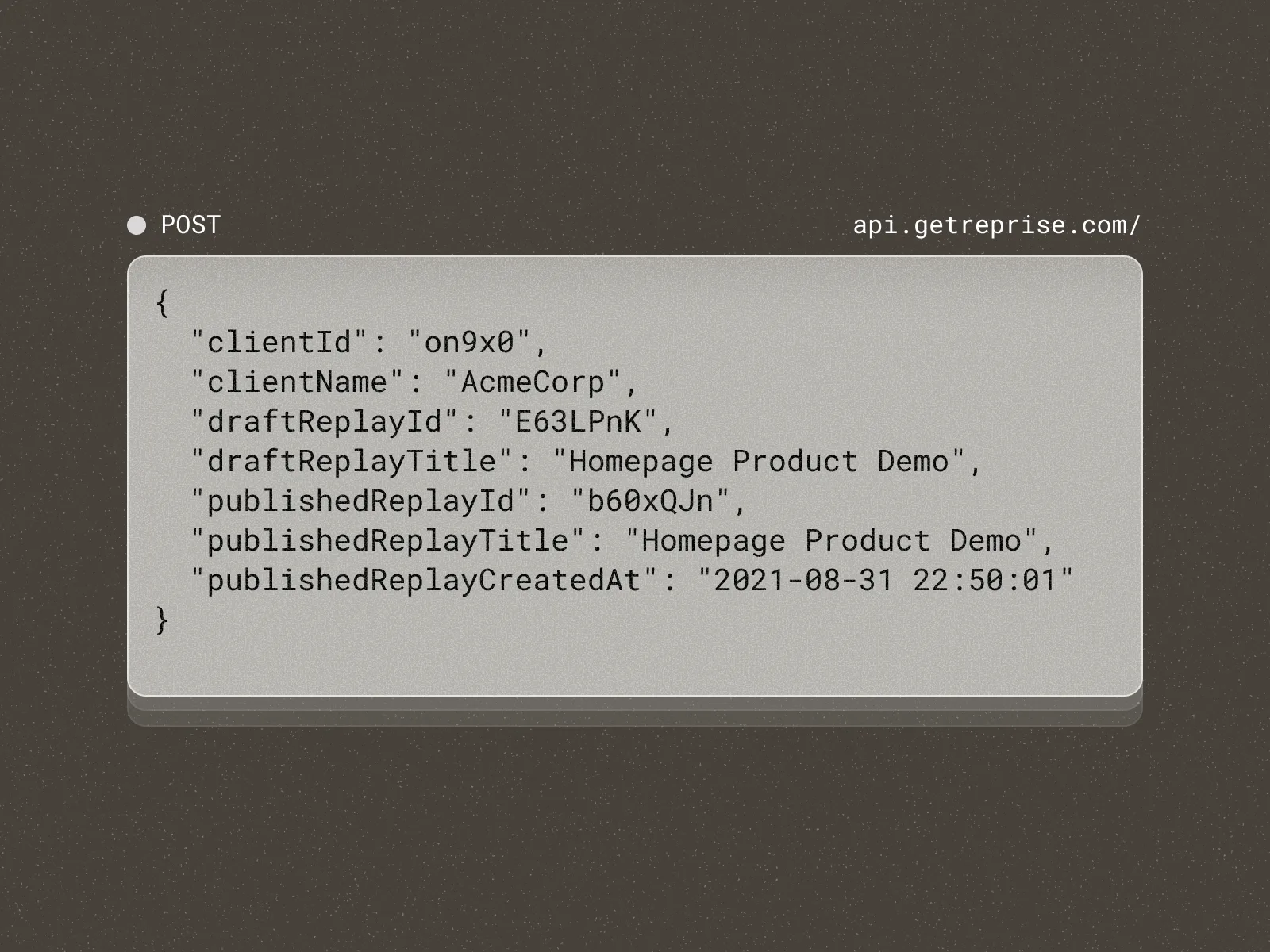
Pull data from Reprise into a data warehouse or data lake, then push to another platform to create or update records. You can also trigger and automate sales or marketing actions based on prospect or customer actions.
Any tool your AI assistant can reach. Through the Reprise MCP, the assistant you already use connects Reprise to your CRM, call recordings, docs and every other system it works with, so customer context from anywhere can shape a demo.
Reprise also has pre-built connectors for Salesforce, HubSpot, Marketo, Google Analytics and Slack, lead forms (native, HubSpot and Marketo), the Analytics Data API, SAML SSO and SCIM, and demo embeds in tools such as Seismic and Highspot.
Yes. Every action runs as the signed-in user and follows that user's roles, group sharing and folder access, and state-changing actions are written to the audit log.
The Reprise MCP adds no new AI models or sub-processors on the Reprise side, and deactivating a user in your identity provider also revokes the tokens issued to their AI assistant. See Security.
The Salesforce connector creates leads or contacts in Salesforce when prospects fill out a Reprise welcome form. Reprise is also available as a Salesforce Canvas embedded app.
Demo engagement then sits with the contact record, so reps can see who on the buying committee viewed and shared a demo.
The HubSpot connector shows demo page views as activities in HubSpot analytics and on contact records. You can also gate demos and Demo Flows with HubSpot forms.
Demo engagement can then drive workflows, nurture sequences and lead scoring in HubSpot.
Gate demos with your Marketo forms so lead details go straight into Marketo, and track viewer session activity there.
You can score leads on demo activity and trigger Marketo automation from it.
Yes. The Google Analytics connector sends demo activity to GA4 as page view events, with custom dimensions for the demo title and the link title.
That shows which website demos lead to the actions you care about, next to the rest of your site data.
Yes. Demos can be gated with native Reprise forms or with HubSpot and Marketo forms, so every lead lands in the system your team already uses.
Gating is optional. You choose when a demo asks for details and when it stays open.
Yes. The Analytics Data API pulls Reprise analytics for Product Tours and Application Clones into a data warehouse or data lake. API keys are created in Settings.
From there you can push the data to other platforms to create or update records, or trigger sales and marketing actions. See Analytics.
No. An admin connects, configures and disconnects each connector from the Integrations screen in Settings, and connecting the Reprise MCP to your assistant takes no code.
Teams that want more can build on the Analytics Data API whenever they need full control.
